Model Family · High Capacity
Smart DC UPS — high-capacity family
The smart DC UPS models sit in the high-capacity family: a line of DC backup units for router and recorder installations.
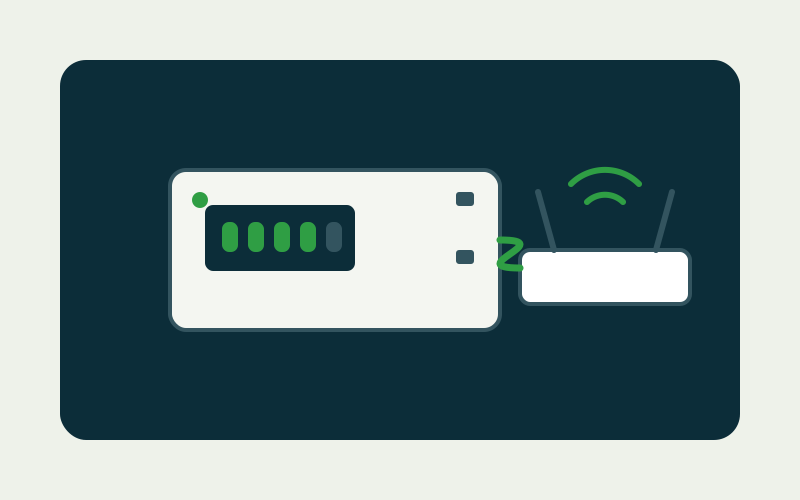
Specifications — Smart DC UPS
| Family | Smart DC UPS |
|---|---|
| Class | High-capacity single-output DC backup |
| Typical loads | Routers · DVRs · access and network equipment on 12V DC |
Where smart DC fits
Between the compact 12V 2A class and the Maxora there is a band of installations that want more capacity in a cabinet-friendly unit. That is this family's ground. The inquiry should state the load's voltage and current, the runtime target and the quantity band; the reply will map the requirement to the current smart DC configuration.
The neighbouring classes mark the band's edges. Below it, the 12V 2A class serves single devices on one DC output. Above it, the Maxora puts 31,200 mAh behind a single 12V 3A output, with customisable cell builds from 88.8 Wh to 185 Wh. The smart DC line is for the installations between those poles: more than a single-device unit, and specified as a program rather than as one fixed model.
Ordering notes — Smart DC UPS
Configurations are fixed per order program, so the ordering conversation is about the load list and the runtime target. Where a site keeps an outage log, send it: the configuration is argued from the log's longest events, not from the average. Installations that run many identical recorders usually standardise on one configuration across the fleet, which keeps spares and swaps trivial. Send the recorder's adapter rating with the inquiry and the configuration can be confirmed against it.
Choosing the smart DC configuration
Smart DC configurations are set per order program, and the configuration decision should be made on evidence — a site log of outage durations beats a general feeling that the power is unreliable — because a larger pack also takes longer to refill between events, and a site with clustered short outages may be better served by a quicker-recovering build.
Placement deserves the same evidence-based treatment: put the unit where it is seen in ordinary rounds — the person who checks the fire extinguisher walks past the backup — because a battery's decline is gradual, and a unit nobody sees is a unit nobody maintains. The inquiry that mentions how the site is staffed gets placement advice that fits it; an unmanned site argues for capacity, a staffed site can trade a little capacity for accessibility.
Specifying the smart DC UPS
The specification routine mirrors the family's: loads and voltages first, outage profile second, quantity third. Add one line — whether the site's staff will actually see the unit in normal rounds. That answer decides placement, and it costs the buyer nothing to include. Fleets standardising on the family should record which configuration each site holds; builds are spares for each other's loads but not for each other's runtimes.
The display check as fleet routine
Fleets running this model should formalise the glance: a monthly line in the site-visit checklist — backup display read, state recorded — converts the model's visibility from a feature into a system. The records accumulate into the fleet's real outage history, which is the evidence base for every later capacity decision: which sites graduate to the larger variant, which are over-provided, and where the grid is quietly getting worse. Few instruments this cheap return this much planning value.
Related pages
Ask for a quotation
Tell us the model, the output voltages your equipment needs and the quantity band for your order. If you are matching a UPS to a router, camera or terminal, add the device's rated voltage and current.