Application
Battery backup for POS printers and terminals
A point-of-sale load is unforgiving: a printer stopped mid-receipt or a terminal dropped mid-transaction costs a queue, a reconciliation, or a sale. POS backup is therefore an online-UPS job. In the Boostra 106's online design the battery is always in the path, so there is no transfer event.
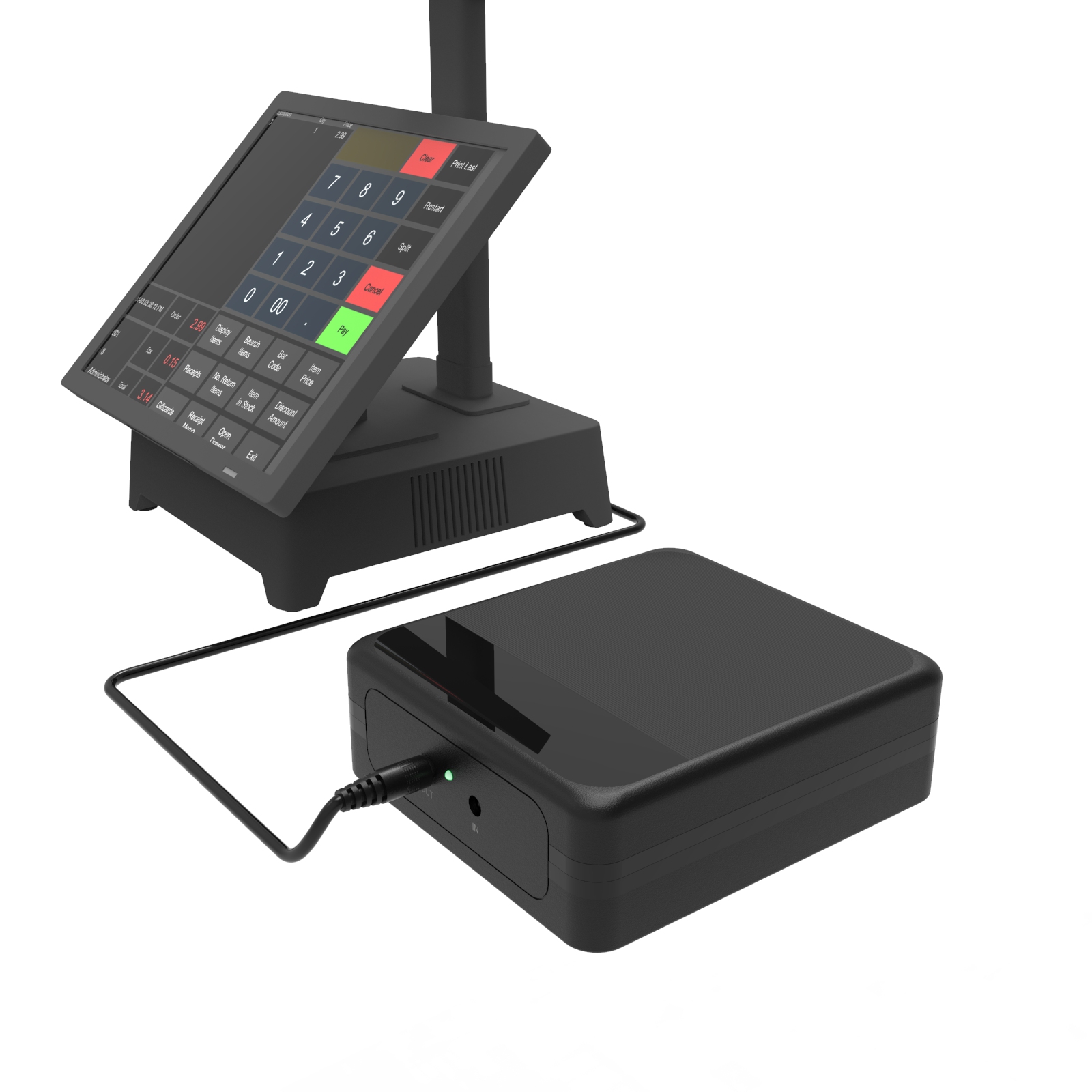
Match the terminal's adapter voltage
POS hardware clusters around three adapter voltages, and the Boostra 106 platform is built in exactly those three builds: 24V 3A (72W) for printers and 24V terminals, 19V for laptop-class terminals and mini PCs, and 12V 5A (60W) for 12V terminals and peripherals. Read the adapter label, pick the build, and the only remaining choice is capacity.
Capacity is a trading decision
Capacity answers two different questions. If your outages are mostly short blips and brownouts, start sizing at the smaller end, and check your load's watts against the rated capacity. If the checkout has to trade through a real outage, size from the larger end instead. The decision is commercial — how long this checkout must run with the grid down? State the terminal set and the outage length in the inquiry, and the tier is argued from the build's figures. The printer belongs in that list at its adapter rating, not its idle draw, and a till that trades through a lunch service is sized differently from one that only rides out flickers — the inquiry should say which.
The till is a system, not a terminal
A point-of-sale position fails as a system: the terminal, the receipt printer, the card reader, the router behind them and often a cash drawer all draw power in the same small geography, and an outage that kills any two of them closes the till as surely as killing all five. Backup planning for POS therefore starts with the till's own census — every device at the position, with its adapter rating — and the census usually reveals a mixed-voltage shelf: a 19V or 24V terminal class device, 12V peripherals, a 5V reader. That is precisely the mixed shelf this catalogue's online platform and multi-output families exist to cover, and the inquiry that lists the whole till gets it covered as a whole.
Printers deserve their line in the census. A receipt printer's draw is spiky — idle at almost nothing, peaking hard at each print run — and sizing from its idle figure undersizes the unit for the print peaks. Use the adapter rating for printers, not a measured idle; the peaks are the load that matters.
Why tills choose the online architecture
The online architecture has no transfer in it: the battery is always in the path, and the mains failing changes nothing in the path the terminal is fed from. That is the substantive reason the Boostra 106 platform — in its 12V, 19V and 24V builds — anchors this application, and the inquiry for a till should name the terminal's voltage class first, because it chooses the build before any other fact is discussed.
Capacity follows from the trading pattern. A café trading through a two-hour cut in a lunch service argues the platform's Pro tier against its till census; a boutique whose outages are flickers needs only the architecture's no-transfer behaviour, and takes the platform's smaller capacity tier. State the trading hours the backup must span — 'through a full service' is a sizing fact, and a more useful one than a bare hour count.
Related pages
Ask for a quotation
Tell us the model, the output voltages your equipment needs and the quantity band for your order. If you are matching a UPS to a router, camera or terminal, add the device's rated voltage and current.